How Helm syncs with Google Calendar
Your guides already live in Google Calendar. Helm puts their tour assignments there too — automatically synced, always up to date, with all the details they need for each tour.
Helm is tour operations software — scheduling, OTA sync, and team coordination in one platform.
1.8B+
active Google Calendar users worldwide
0
extra apps your guides need to install
Real-time
sync for schedule changes and new assignments
Automatic assignment sync
When you assign a guide to a tour in Helm, a calendar event is created in their Google Calendar with the tour name, time, meeting point, and any notes. No manual calendar entry needed.
Live change updates
If a tour time changes, a booking is cancelled, or a guide is reassigned, their Google Calendar event is updated or removed in real-time. Guides always see the current state.
Rich event details
Calendar events include tour name, location, start and end time, participant count, and any notes from the operations manager. Guides have everything they need in the calendar entry.
How it works
- 1
Guide connects their Google account
Each guide authorizes Helm to write to their Google Calendar through a standard Google OAuth flow. This is a one-time setup that takes about 30 seconds.
- 2
Helm creates a dedicated calendar
Helm creates a separate calendar within the guide's Google Calendar account specifically for tour assignments. This keeps tour events organized and distinct from personal events.
- 3
Assignments appear automatically
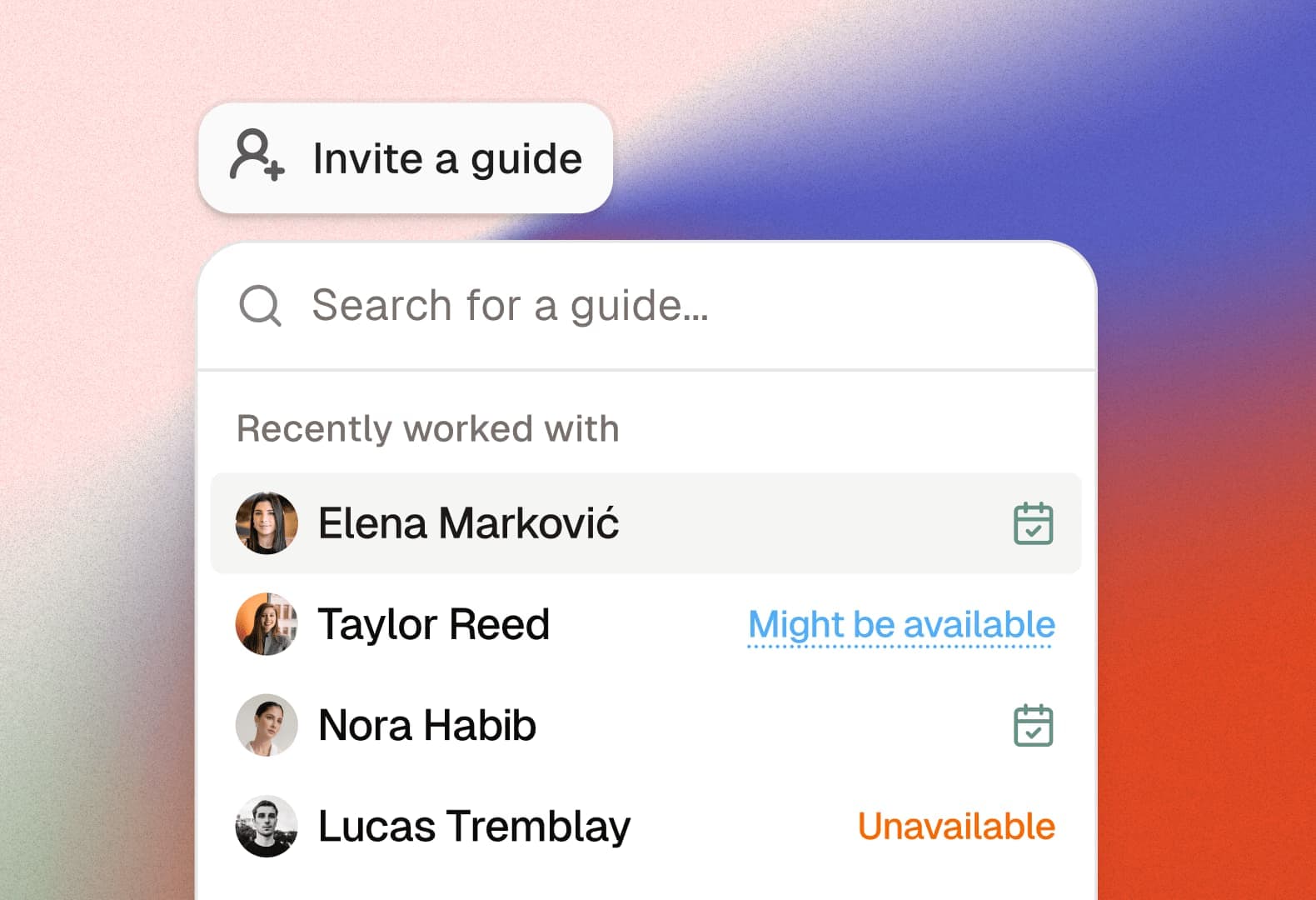
When an operations manager assigns a guide to a tour in Helm, a calendar event is created instantly in the guide's connected Google Calendar with all relevant details.
- 4
Changes sync in real-time
Schedule updates — time changes, reassignments, cancellations, added notes — are reflected in the guide's calendar immediately. No refresh needed, no notification missed.
Guides don't need another app
The biggest adoption barrier for any operations tool is getting freelance guides to use it. With Google Calendar sync, guides see their assignments where they already look — no new app to learn or check.
Reduce 'I didn't see the update' situations
When a tour time changes at the last minute, the guide's calendar updates automatically. No reliance on them checking a WhatsApp group or email thread in time.
Guides see their full availability picture
Tour assignments sit alongside personal events, other job commitments, and blocked-off time. Guides can instantly see how a new assignment fits into their week.
Works for freelance and employed guides
Whether your guides are full-time employees with Google Workspace or freelancers with personal Gmail accounts, the calendar sync works the same way.
Why Google Calendar sync matters for tour operations
Tour guides — especially freelance guides — don't want another app to check every morning. They have their own calendar, their own routine, and adding a separate scheduling tool to that workflow is friction most operators struggle to enforce. The result: guides miss updates, forget to check the app, and operators end up sending WhatsApp reminders anyway.
Helm's Google Calendar sync eliminates this friction entirely. Once a guide connects their Google account (a 30-second OAuth flow), every tour assignment appears in their calendar automatically. Tour name, time, meeting point, participant count, notes — it's all there in the calendar event, exactly where the guide is already looking.
The real-time sync is what makes this more than a convenience feature. When a tour time changes at 9 PM, the guide's calendar updates at 9 PM. When a booking is cancelled, the event disappears. When an operations manager adds a note ('Client is wheelchair user — meet at accessible entrance'), it appears in the existing event. No separate notification to send, no message to hope someone reads.
For operations managers, this means one less thing to worry about. Instead of maintaining a guide communication workflow — sending assignments, sending reminders, sending changes, confirming receipt — they assign in Helm and the calendar does the rest. The guide's phone buzzes with the calendar update. Done.
Stop managing your tours from a spreadsheet and a group chat—there's a better way.




Helm replaces the patchwork of tools tour operators rely on with one purpose-built platform for everything that happens after a booking.
Try Helm for free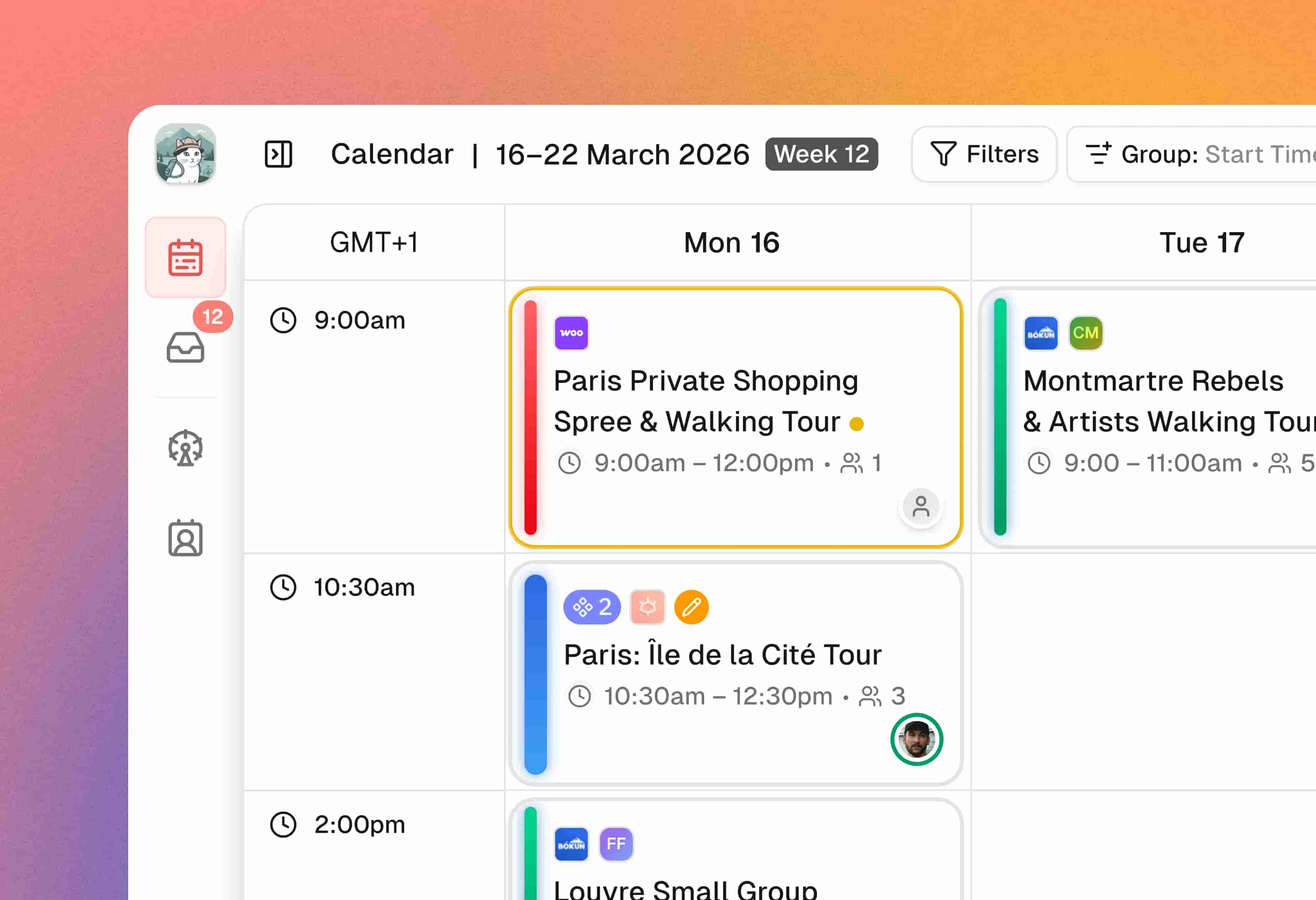
Frequently asked questions
Ready to replace the patchwork?
Start for free with 2 team seats. No credit card required.