How Helm complements FareHarbor
FareHarbor handles your reservations and online booking. Helm handles everything after — guide scheduling, qualification matching, change cascading, and team coordination. Here's how operators will use Helm with FareHarbor when the integration launches.
Helm is tour operations software — scheduling, OTA sync, and team coordination in one platform.
90K+
operators use FareHarbor worldwide
FareHarbor
0
guide scheduling features built into FareHarbor
Free
Helm plan available with 2 seats for small teams
Fill the FareHarbor operations gap
FareHarbor excels at reservations, online booking, and payment processing. But it has no guide management, no qualification matching, and no team coordination tools. Helm adds exactly those capabilities.
Booking import and sync
Import your FareHarbor bookings into Helm via API integration or scheduled data sync. Each booking is mapped to a Helm experience with the appropriate operational rules.
Parallel workflow
FareHarbor remains your booking and customer-facing system. Helm runs alongside it as your internal operations platform. Your team uses FareHarbor for reservations and Helm for scheduling.
How it works
- 1
When FareHarbor integration launches, connecting will be simple
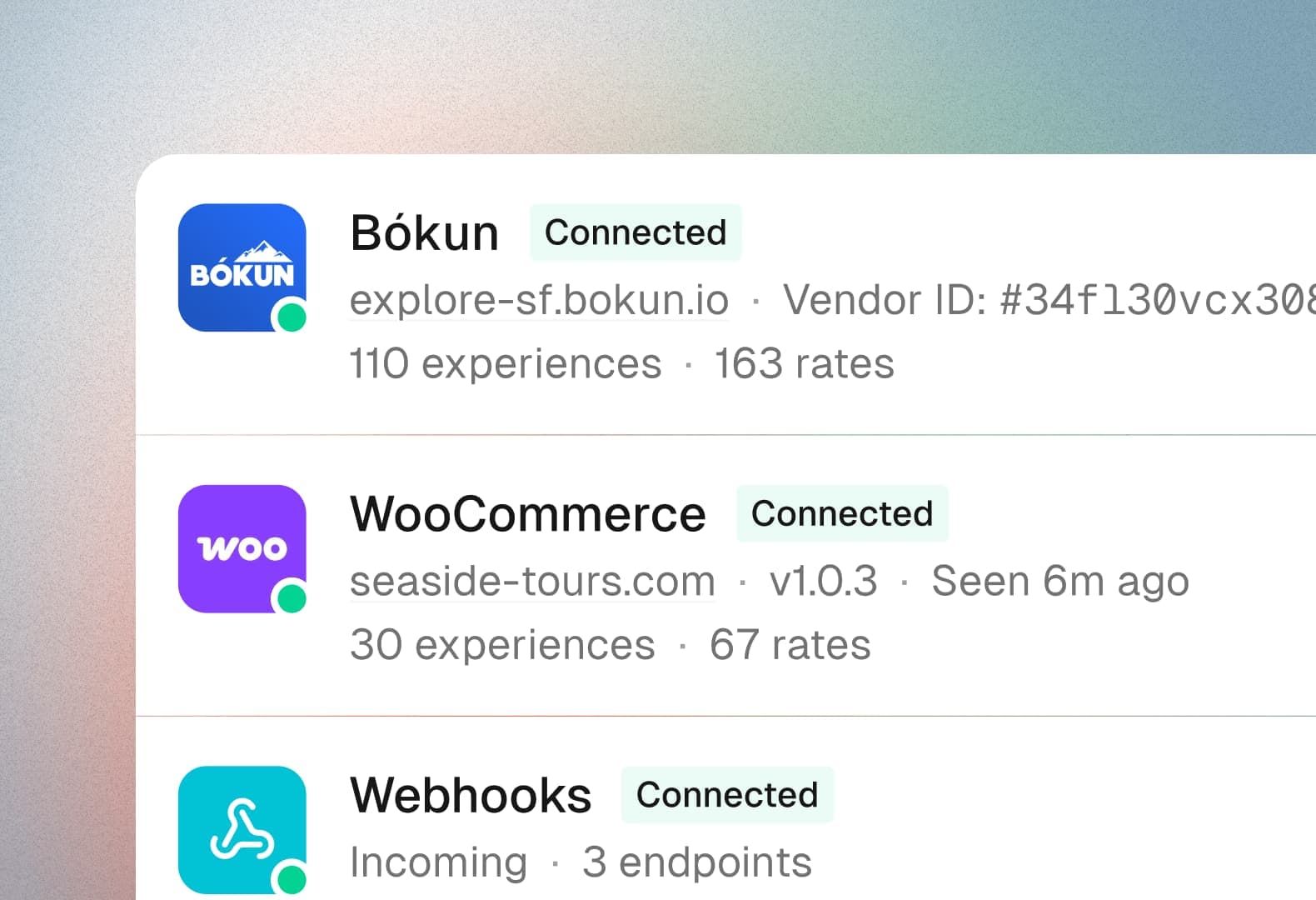
You'll connect Helm to your FareHarbor account using API credentials. Helm will configure the data sync to pull booking information from your FareHarbor dashboard.
- 2
Map your FareHarbor items to Helm experiences
You'll link your FareHarbor items (tours, activities) to corresponding Helm experiences. Each mapping will include the guide qualifications, scheduling rules, and operational requirements for that experience.
- 3
Bookings will sync to your Helm board automatically
As bookings come in through FareHarbor — whether from your website widget, OTA channels, or manual entry — they'll appear on your Helm scheduling board ready for guide assignment.
- 4
Run operations from Helm
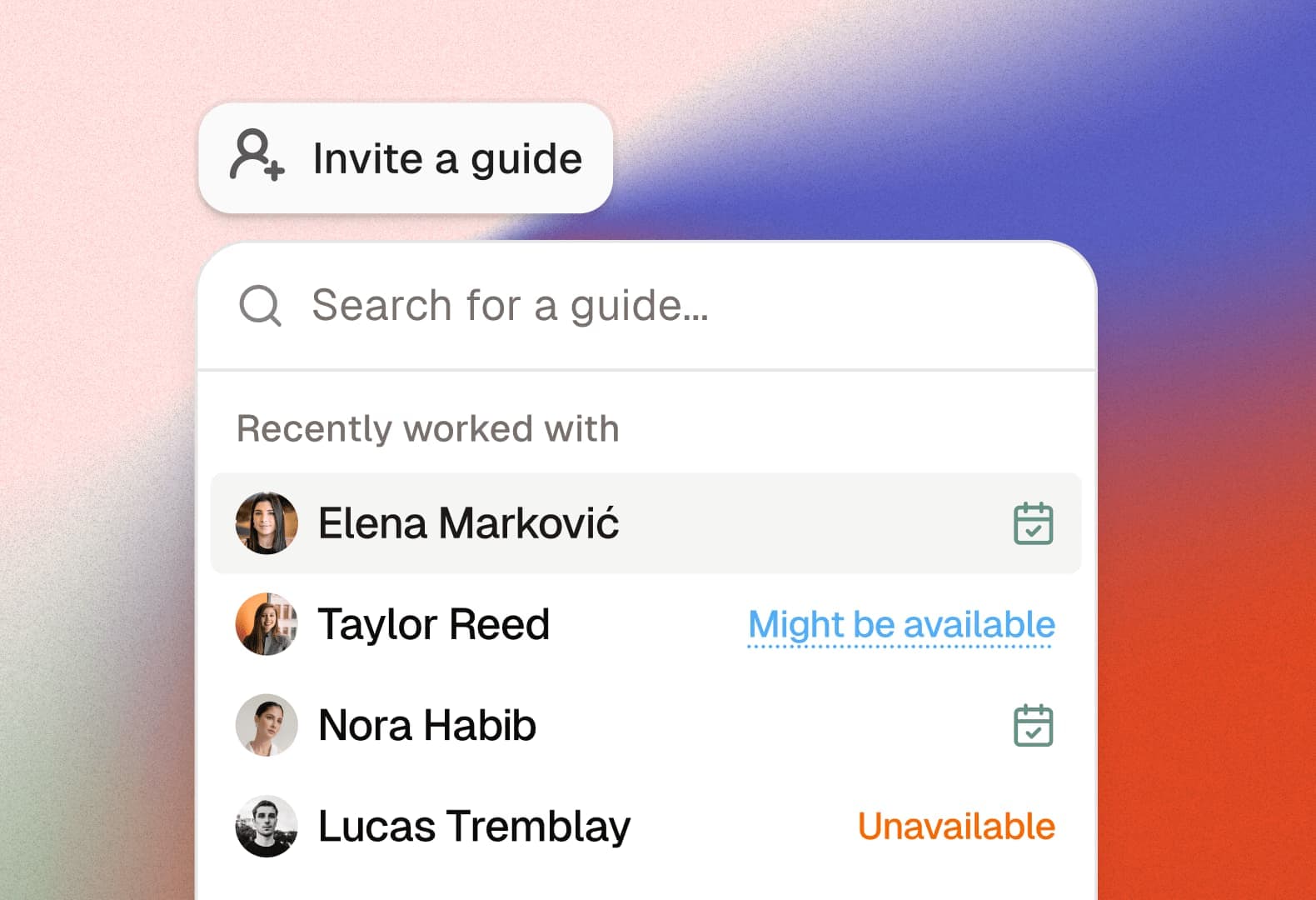
You'll assign guides based on availability and qualifications, notify your team of assignments, and manage changes. FareHarbor will stay your booking system; Helm will become your operations hub.
- 5
Changes will cascade automatically
When a FareHarbor booking is modified or cancelled, Helm will update the schedule and notify the assigned guide. No manual cross-referencing between systems needed.
Add operations without replacing your booking system
FareHarbor is deeply embedded in many operators' workflows — website widget, payment processing, customer communications. Helm doesn't ask you to rip that out. It adds the operations layer on top.
Guide qualification matching that FareHarbor lacks
FareHarbor assigns resources (like vehicles or equipment) but doesn't match guides based on language, certification, or experience level. Helm fills this gap with a purpose-built qualification system.
Team coordination beyond the booking
FareHarbor tells you what's booked. Helm tells you who's running it, whether they're qualified, what they need to know, and automatically keeps them informed of changes.
Free tier covers small teams
Helm's free plan supports 2 seats — enough for a small operator to test the FareHarbor-Helm workflow before committing. The Growth plan at €50/month adds more seats and features as you scale.
Why FareHarbor operators add Helm for operations
FareHarbor is one of the most popular booking platforms in the tours and activities industry, used by over 90,000 operators worldwide. It's excellent at what it does: online booking, payment processing, channel management, and customer-facing reservation workflows. But it was designed as a booking tool, not an operations tool.
The gap becomes obvious once you have more than a handful of guides. FareHarbor can tell you that 14 tours are booked for Saturday, but it can't tell you which qualified guide should run each one, whether anyone is double-booked, or what happens if your morning guide calls in sick at 7 AM. These are operations problems, and they're exactly what Helm solves.
The Helm-FareHarbor workflow is straightforward: FareHarbor handles the booking lifecycle (reservation, payment, customer communication), and Helm handles the operations lifecycle (guide assignment, qualification matching, schedule coordination, change management). The two systems share booking data, so there's a single source of truth for what's booked and who's running it.
For operators already invested in FareHarbor, this approach is particularly appealing because it doesn't require a platform migration. Your FareHarbor setup — website widget, payment processing, OTA connections, customer emails — stays exactly as is. Helm sits alongside it, adding the scheduling and coordination capabilities that FareHarbor operators have been building in spreadsheets and WhatsApp groups.
Stop managing your tours from a spreadsheet and a group chat—there's a better way.






Helm replaces the patchwork of tools tour operators rely on with one purpose-built platform for everything that happens after a booking.
Try Helm for free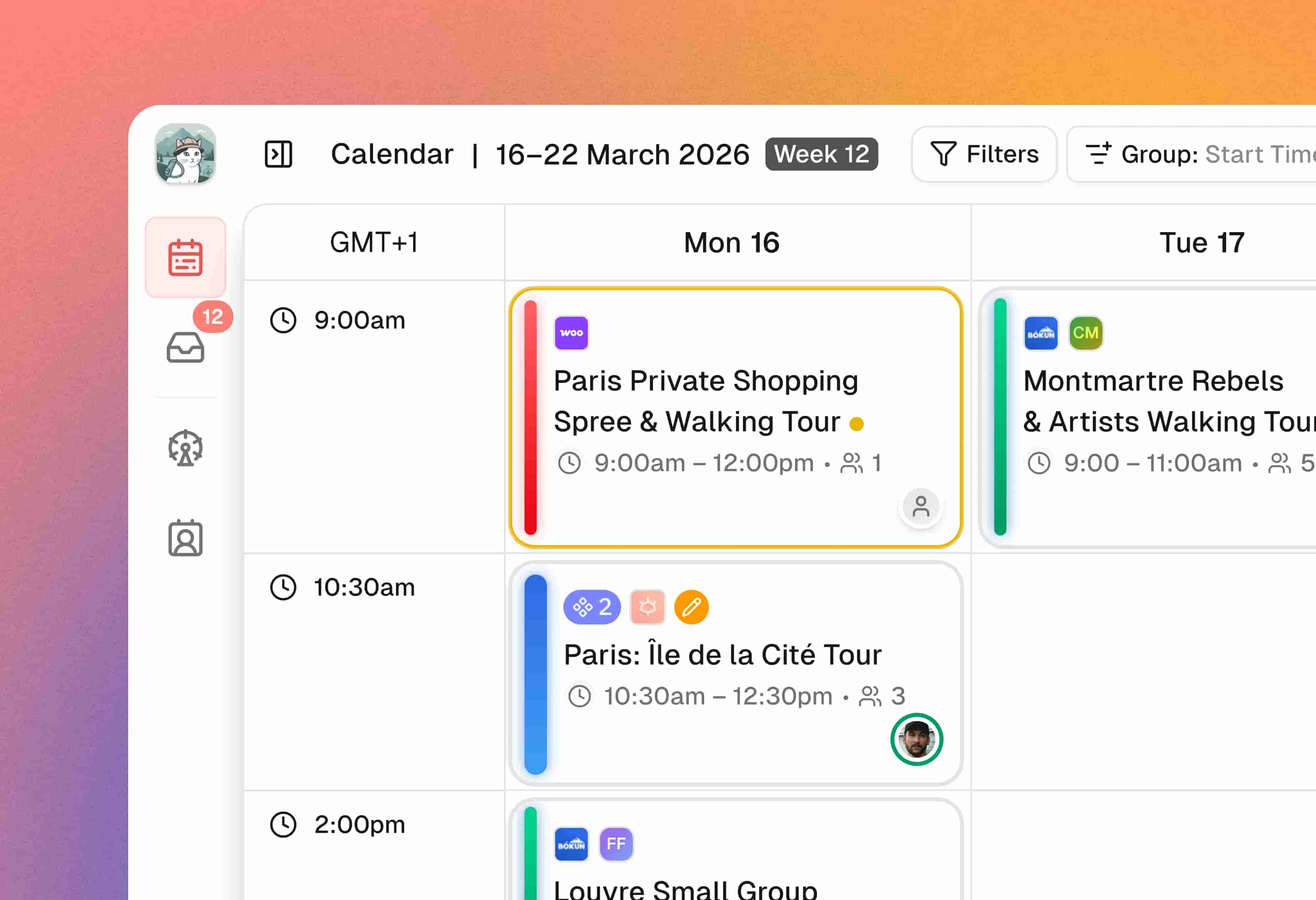
Frequently asked questions
Ready to replace the patchwork?
Start for free with 2 team seats. No credit card required.