Helm vs Google Calendar for tour scheduling
Google Calendar shows time. Tour operations require capacity, conflicts, qualifications, and booking context. Here's how purpose-built operations software compares to shared calendars.
Helm is tour operations software — scheduling, OTA sync, and team coordination in one platform.
500M+
Google Calendar users worldwide
0
booking integrations in Google Calendar
3.5h
weekly time operators commonly spend maintaining calendar schedules
Helm user estimates
| Feature | Helm | Google Calendar |
|---|---|---|
| OTA booking sync | ||
| Guide qualification matching | ||
| Automatic conflict detection | Basic | |
| Change cascading across tours | ||
| Assignment notifications & confirmations | ||
| Customer & booking data on events | ||
| Free to use | Free plan (2 seats) | |
| Everyone already knows how to use it | ||
| Works for personal scheduling too | ||
| Guide-facing calendar sync | Pushes to Google Calendar | Native |
The bottom line
Google Calendar is a time-management tool. Tour operations need a resource-management tool. A calendar event that says 'Walking Tour 2PM' tells you nothing about how many customers are booked, which guide is assigned, whether that guide speaks the right language, or what happens if they cancel. Helm gives every tour the full operational context — and it pushes the result to your guides' Google Calendars automatically.
Why a calendar is not an operations system
Google Calendar is the most common 'scheduling tool' for small tour operators. It's free, familiar, and shareable. The typical setup: a shared calendar with color-coded events — blue for walking tours, green for food tours, red for boat tours. The guide's name goes in the event title, and special notes go in the description. It works, sort of, for a while.
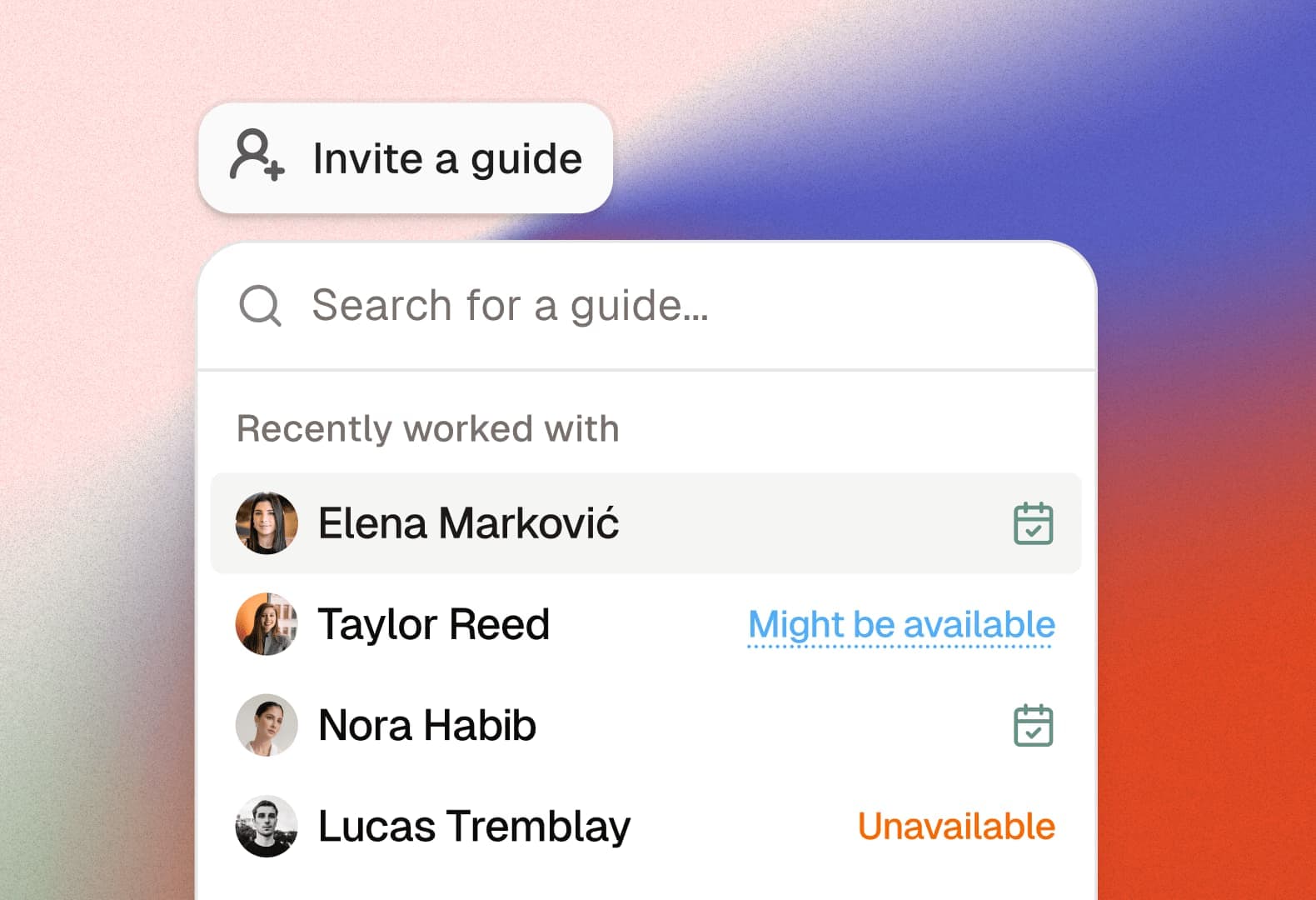
The breakdown starts with data. A Google Calendar event is fundamentally a time block with a title. It doesn't know that 'Maria - Montmartre 2PM' means Maria is assigned to a walking tour with 14 French-speaking customers booked through Viator. It doesn't know that Maria also appears on a 4 PM event that overlaps with travel time from Montmartre. It can't tell you that if Maria cancels, Pedro and Ana are both qualified for Montmartre but Pedro is already booked. All of that context lives in your head or in a separate spreadsheet.
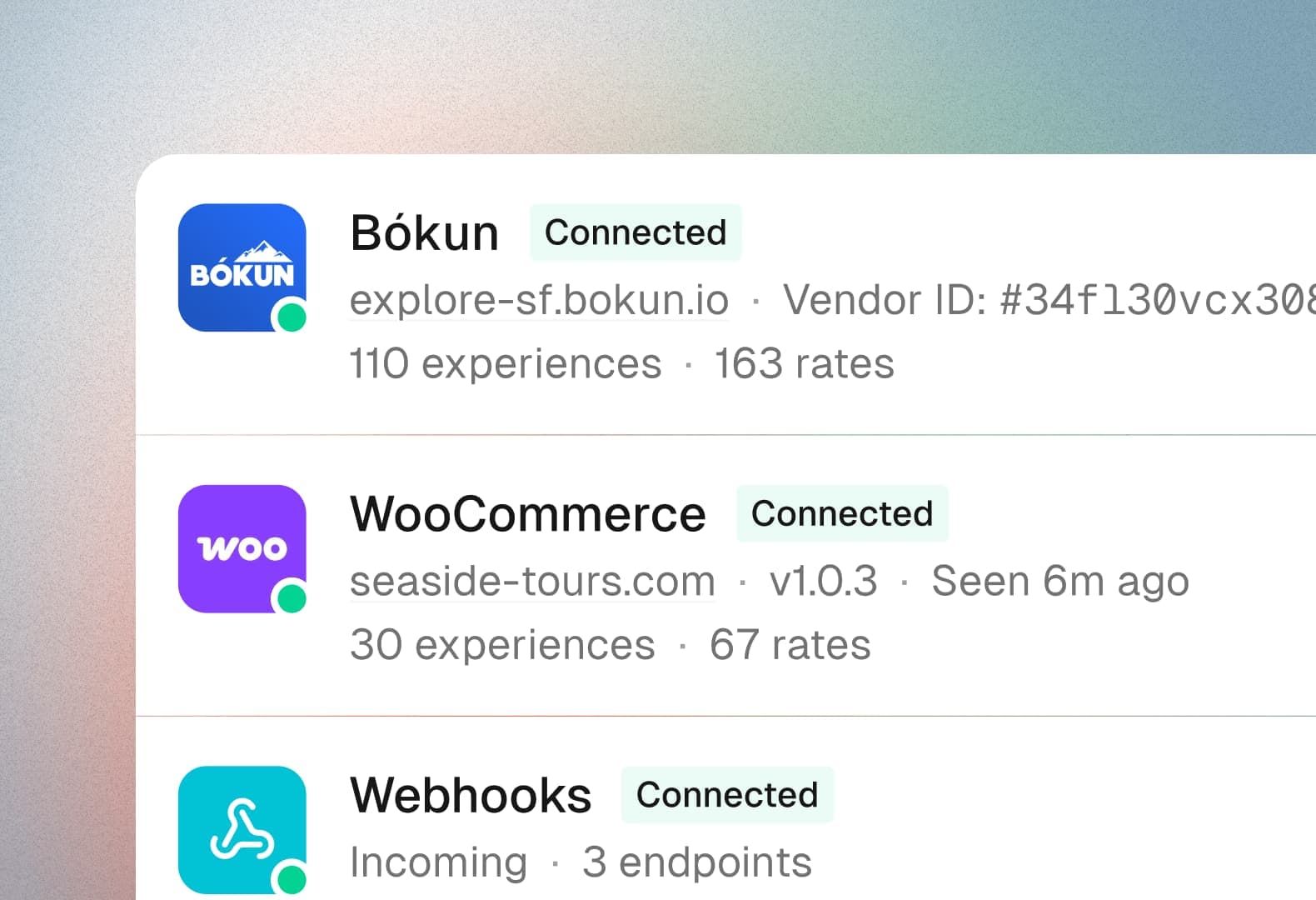
The second breakdown is sync. Bookings come in through Viator, GetYourGuide, Bókun, and your website. Each booking needs to appear in the right calendar event with the right headcount. In Google Calendar, that's a manual process — open the booking dashboard, note the details, edit the calendar event, update the headcount. Multiply that by 20 bookings a day and you're spending hours on data entry that adds zero value.
Helm replaces the calendar-as-ops-tool pattern by treating tours as structured operational units — not time blocks. Every tour in Helm carries its booking data, guide assignments, qualification requirements, and customer details. Changes propagate automatically. Conflicts are flagged instantly. And the end result — the guide's schedule — still shows up in their Google Calendar, because that's where they want to see it. Helm is the operations layer; Google Calendar is the delivery layer for guides.
Stop managing your tours from a spreadsheet and a group chat—there's a better way.





Helm replaces the patchwork of tools tour operators rely on with one purpose-built platform for everything that happens after a booking.
Try Helm for free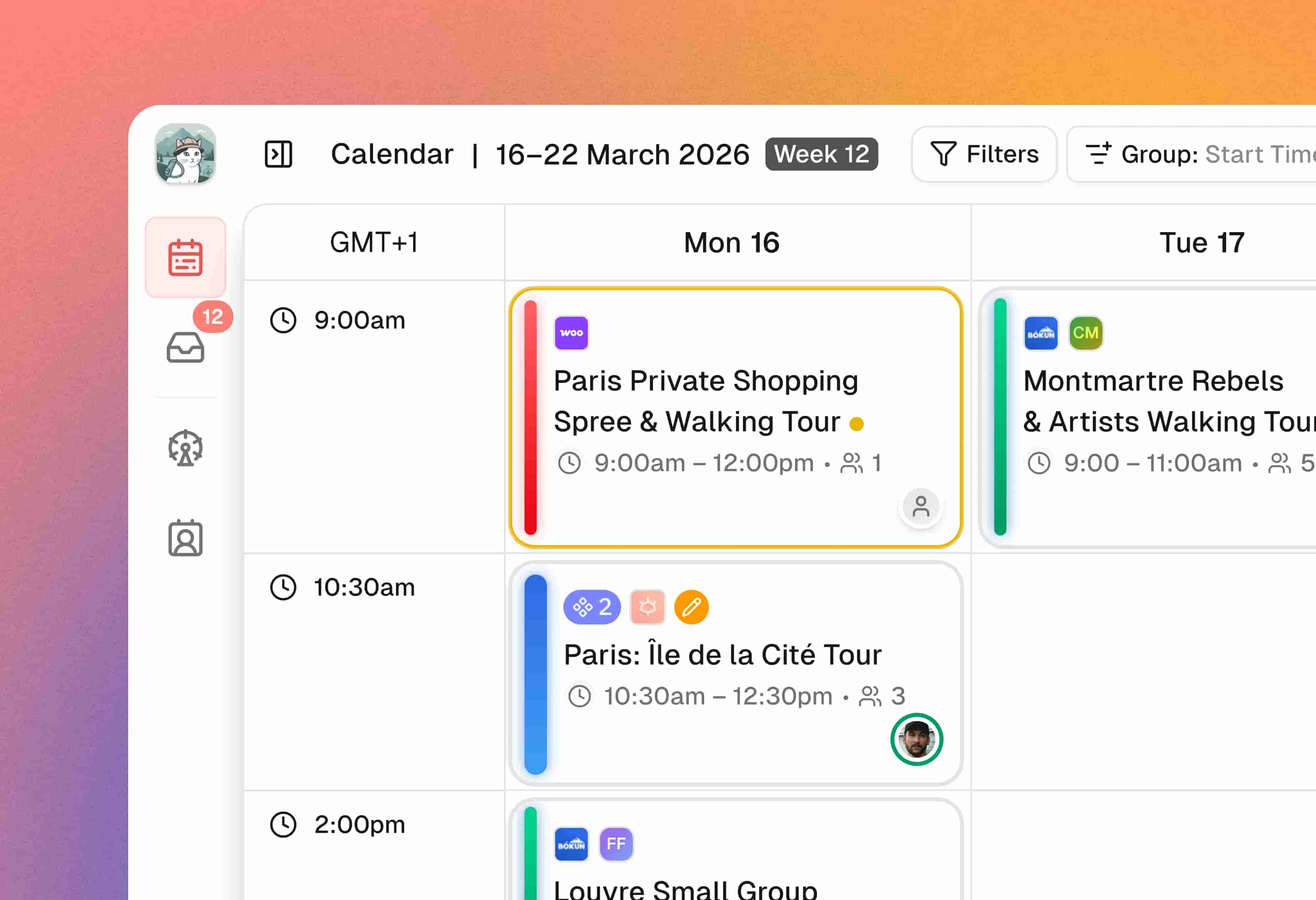
Frequently asked questions
Related pages
Ready to replace the patchwork?
Start for free with 2 team seats. No credit card required.